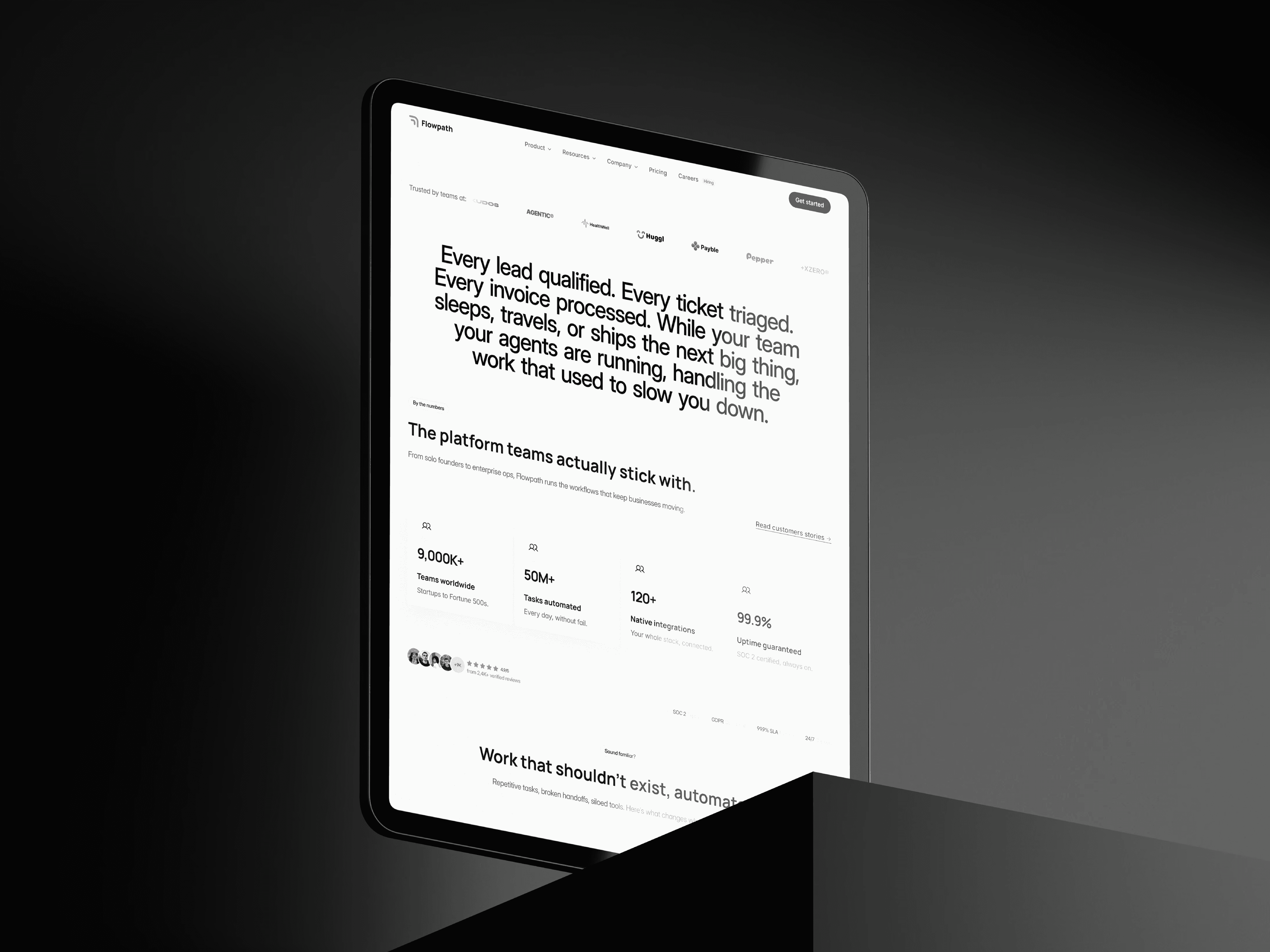
My Approach
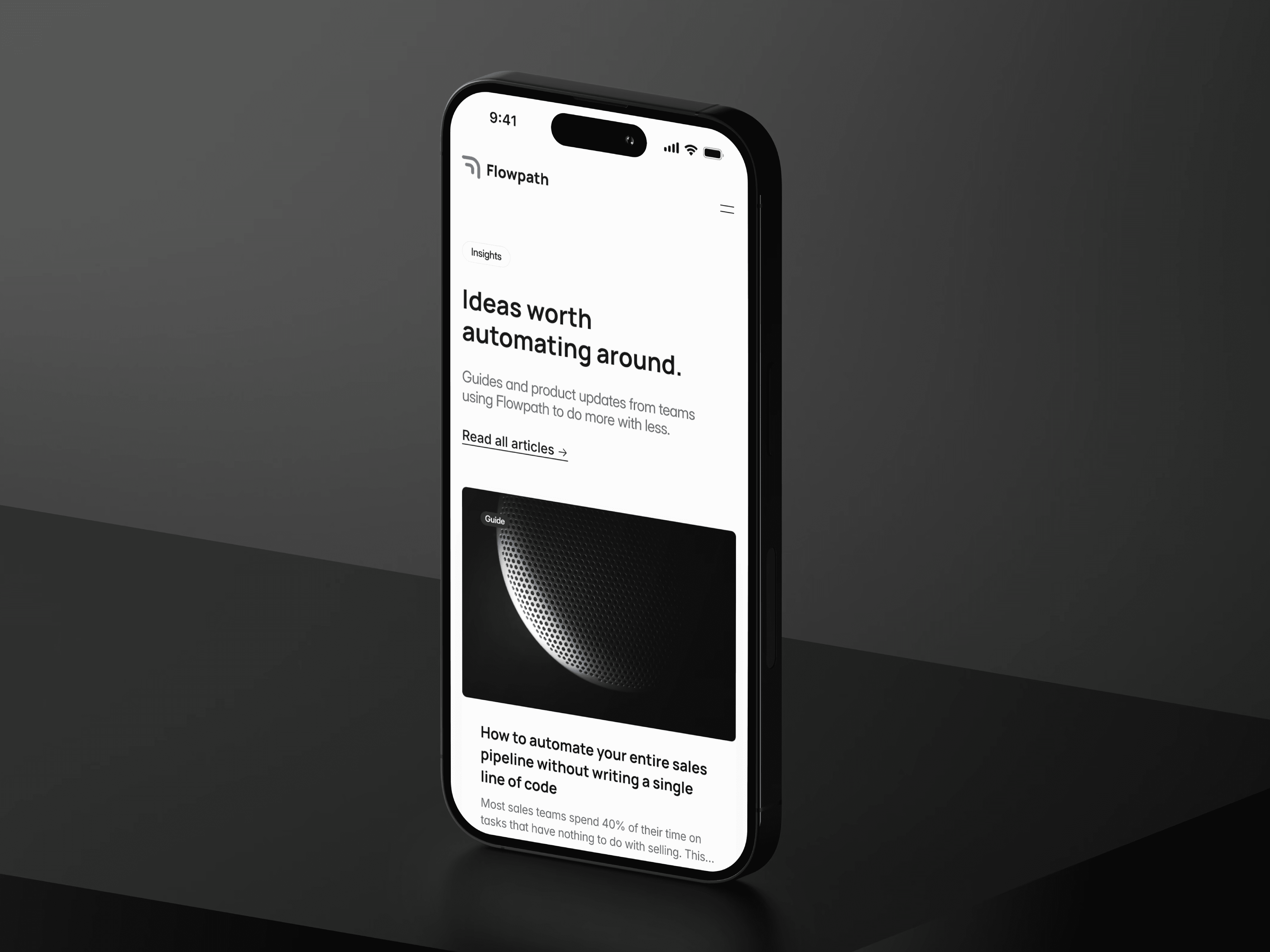
Flowpath was designed as more than just a SaaS template — it's a production-ready foundation for AI automation and workflow products that need to launch credibly and fast. My approach focused on building a system that covers every page a serious SaaS product needs, from the marketing homepage and pricing to careers, legal, security and beyond. Every layout, component and line of copy was designed to help AI automation companies communicate their product clearly, convert visitors into users and build trust at every touchpoint.
Vision and Innovation
The vision behind Flowpath is to close the gap between what SaaS templates promise and what they actually deliver. Most templates give you a homepage and a pricing page — and leave everything else to figure out. Flowpath ships complete: 25 pages, 10 CMS collections with references and multi-references, 100+ reusable components and fully written sample content throughout. Features like the three-column nav dropdown with hover interactions, the monthly/annual pricing toggle, the multi-step agent row animations and the self-referencing integrations CMS add real product depth — not just visual polish.
Identifying Unique Challenges
AI automation and SaaS products face a specific challenge: they need to communicate complex technical capabilities to non-technical buyers while simultaneously signalling credibility and trust to enterprise decision-makers. A generic SaaS template can't do both. Flowpath addresses this by structuring content around the way SaaS buyers actually evaluate products — feature pages, integrations directory, agent templates library, pricing, security, and a blog that builds authority over time.
Resolving Complex Problems
Managing the depth of content a SaaS product needs — integrations, agent templates, blog posts, careers, legal pages — can quickly become overwhelming. Flowpath solves this through a well-architected CMS structure where 10 collections are organised into logical groups, references connect related content automatically and collection item pages are fully templated and ready to populate. The Integrations collection even uses a self-referencing multi-reference field to power the related integrations section on each integration detail page — a pattern borrowed from real SaaS product directories.
User-Centric Design
Flowpath prioritises clarity and conversion at every level. Visitors can explore product features, browse integrations, compare pricing plans, read the blog or apply for open roles without friction. The design system — Manrope and Inter typography, a restrained teal accent color, alternating section backgrounds and a single dark section rule — creates a consistent, professional experience that scales across all 25 pages without visual fatigue. Every static page ships with real written content so buyers can see exactly how the template reads in production.
Meeting User Needs
Whether a visitor is a potential customer evaluating the product, an enterprise buyer assessing security and compliance, a developer exploring the API, or a candidate considering a career opportunity — Flowpath provides clear pathways for each. Feature pages communicate product depth, the integrations directory demonstrates ecosystem breadth, the security page builds enterprise trust, the blog establishes thought leadership and the careers page attracts talent. Every page serves a purpose.